driver and kernel compatibility are common obstacles during the installation process of american vps systems. different hosting environments, virtualization types, and kernel versions can cause network, disk, or security module anomalies. this article focuses on identifying symptoms, analyzing logs and step-by-step repairs to help operation and maintenance personnel quickly restore services and maintain stability in a us vps environment.
the virtualization technology and host kernel used by us vps providers may be different from the local environment, which affects guest kernel module loading and driver compatibility. understanding the differences in kernel calls made by kvm, xen, hyper-v or independent containers can help predict which drivers may cause problems and make reasonable choices and configurations before installing the system.
driver incompatibility usually manifests itself as startup delay, kernel panic, unrecognized device or network card disconnection, etc. there may also be performance degradation or a large amount of garbled information in the logs. recognizing these symptoms is the first step in troubleshooting, especially paying attention to recurring module loading errors or undefined symbols in dmesg, syslog, or journalctl.
when the us vps fails to start normally after installing the system, you should first use rescue mode or serial console to view the kernel log. filter keywords through journalctl -k, dmesg and /var/log/messages to locate failed modules or missing dependencies. record error codes and stack information to help subsequent searches for known compatibility issues and patches.
network driver incompatibility is one of the most common problems with vps. it is recommended to step by step check the network interface naming, whether the driver module is loaded, and the ethtool or ip link output status. if necessary, switch to a universal driver or load common virtual network card drivers such as virtio and e1000, and add relevant parameters to the kernel command line to force compatibility.
use lsmod, modinfo and modprobe to check module information and dependencies. if the kernel version does not match the module, you can try to install the module package corresponding to the kernel or manually compile the module from source code. make sure modules.dep and initramfs are updated so that drivers are loaded correctly on boot and to avoid module symbol conflicts.
unstable drivers can be disabled and forced to use compatible drivers by adding a blacklist or setting module parameters in /etc/modprobe.d/. adjusting kernel startup parameters (/etc/default/grub or bootloader configuration) can also pass options to the kernel, which can help solve problems caused by driver loading order or resource allocation.
the compatibility of virtualization drivers and guest toolkits (such as enhanced drivers) varies significantly between different kernel versions. before installing or upgrading the guest tool, you should confirm that the kernel header files match and back up the current kernel. prioritize the use of stable versions provided by the distribution repository to avoid using incompatible third-party binary packages that may cause system instability.
kernel upgrades may introduce new driver interfaces, causing old modules to become invalid. please back up the existing kernel before upgrading and ensure that the boot menu retains the rollback option. when compatibility issues occur, roll back through rescue mode or boot to the old kernel, quickly restore services and verify the driver compatibility of the new kernel in a test environment.
when compiling the driver yourself, make sure to use the kernel source code or header files that are consistent with the target kernel version. compilation parameters, symbol export and abi changes will affect the loading success rate. it is recommended to compile and run stress tests in the test environment first, record module dependencies and package them into dkms or system packages so that they can be automatically rebuilt after the kernel is updated.
establishing automated detection scripts can detect driver or kernel compatibility risks in advance. by periodically checking dmesg, udev events and network status, combined with monitoring alarms, backup, module reload or rollback operations can be triggered in the early stages of problems. automation strategies should include security rollback and log collection to facilitate problem tracing and continuous optimization.
it is recommended to use journalctl, dmesg, smartctl and network diagnostic tools to collect logs centrally and send key events to the centralized log system. combined with configuration management tools, repair scripts can be deployed uniformly on multiple us vpss to ensure that abnormalities can be automatically detected and predefined rollback processes performed when driver updates or kernel changes occur.
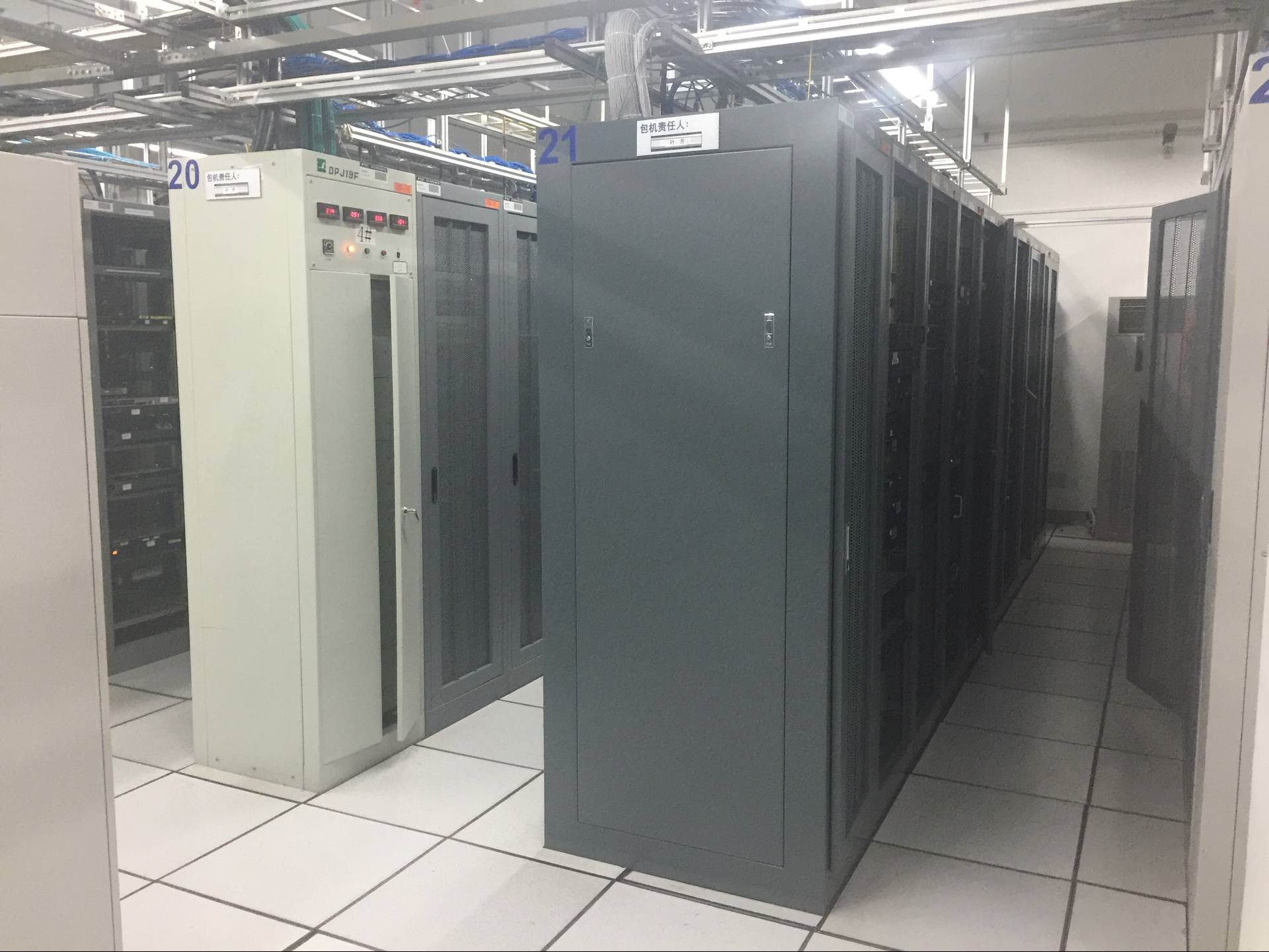
during the installation process of the us vps system, driver and kernel compatibility issues cannot be ignored. it is recommended to confirm the virtualization type in advance, use drivers that match the kernel, reserve rollback channels, and establish automated detection and backup strategies. through log analysis, module management and careful upgrades, compatibility risks can be minimized and vps services are guaranteed to be stable and reliable.
- Latest articles
- Popular tags
-

Why Do Corporate Websites Choose US VPS With Dedicated IPs To Achieve Brand Independence And Stability?
This article analyzes the reasons why businesses choose U.S.-based VPS services with dedicated IPs for their websites, and outlines their specific advantages in terms of brand independence, website stability, SEO and GEO optimization, compliance, and operational practices, along with implementation suggestions. -

Recommendations And Usage Tips For Cloud Servers With American IP Addresses
This article provides recommendations and usage tips for cloud servers requiring US IP addresses, helping users choose the appropriate cloud server solution. -

Recommendations For Cloud Servers That Require US IP And Their Usage Scenarios
This article recommends suitable cloud servers that require US IP and analyzes their usage scenarios.